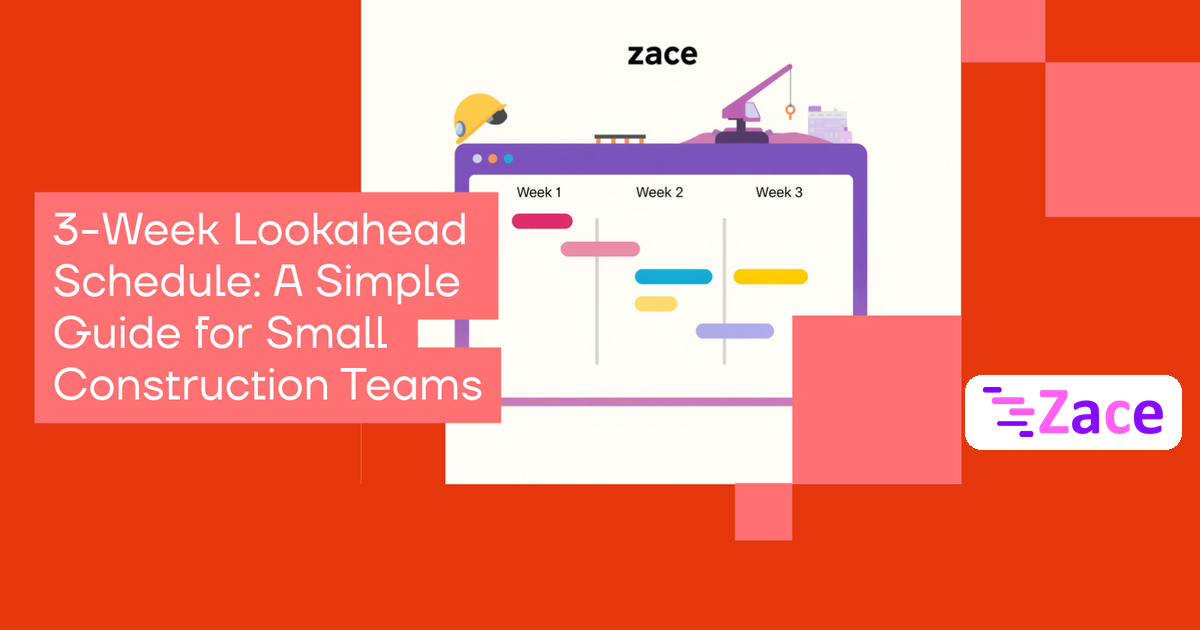
A 3-week lookahead schedule is a short, rolling plan that pulls the next 21 days of work out of your master schedule, breaks it into tasks a crew can finish in a day or two, and checks each task for anything that could stop it starting. You update it every week. Its job is simple: make sure no crew turns up to work that isn't ready.
It's written for supervisors and owners of small construction, fit-out, MEP and installation firms in the US, UAE, India and beyond.
Why a master schedule isn't enough on site
A master schedule shows the whole job in big blocks, such as "Level 2 electrical rough-in, 15 days". A foreman can't hand "15 days" to a crew on Monday, and the block says nothing about whether Tuesday's materials, drawings or inspection slot are in place.
The Lean Construction Institute says that on traditional projects only about 54% of the work planned for a given week is completed on schedule. A lookahead closes part of that gap by turning the long plan into near-term commitments and exposing blockers early.
What goes into a 3-week lookahead?
Each line in the lookahead should answer five questions:
| Column | What to write |
|---|---|
| Task | Specific, crew-sized work, e.g. "Level 2 east, conduit rough-in, grids 1–6" |
| Dates | Planned start and finish inside the 21-day window |
| Owner | A named foreman or crew, not just a company name |
| Constraints | Materials, drawings or approvals, access, equipment, permits or inspections, weather |
| Status | Ready, blocked (with who is clearing it and by when), or done |
Why three weeks? It's long enough to catch material lead times and book inspections, and short enough that trade sequencing still holds. Some tools allow more: Procore's lookahead runs from one to six weeks.
How to build one in six steps
- Pull the window. Take every activity that starts, continues or finishes in the next three weeks, plus anything overdue. Late tasks are the likeliest to break next week.
- Break it down. Split each activity by area, trade and crew until every line is one or two days of work someone can start and finish.
- Check constraints. Are materials confirmed, drawings and approvals in hand, the area clear, equipment booked and the inspection scheduled? If anything is missing, the task isn't ready.
- Give every blocker an owner and a date. "Waiting on steel" with no owner never gets cleared.
- Review it with the crews. Walk the plan with foremen or subcontractors before publishing. They know where the sequence won't hold.
- Roll it forward weekly. Drop the finished week, move the others up, add a new third week, and note why anything slipped.
A useful weekly check is Percent Plan Complete (PPC): the share of tasks committed for last week that were fully finished. Count only fully finished tasks. A falling PPC tells you constraints aren't being cleared in time.
Common mistakes to avoid
- Copying the master schedule into a shorter sheet without breaking tasks down.
- Marking tasks "ready" before a delivery or inspection is confirmed.
- Updating the plan in the office while crews work from an old WhatsApp message.
- Keeping office follow-ups, such as permit chasing, separate from site work.
- Letting it go stale. A two-week-old lookahead is worse than none.
A lookahead also has limits. It won't fix poor estimates, a missing master schedule or a crew shortage. It only makes those problems visible sooner.
Where Zace fits
A spreadsheet works if someone updates it weekly and the crew sees the current version. If nobody on site opens the file, a shared plan helps. Zace is a project and task tracker for field jobs and the internal tasks around them, on web, Android and iOS. You can lay out the job as a Gantt chart, set task dependencies, mark milestones such as inspections, assign tasks with priorities and check the scheduler from site. Zace isn't a dedicated lookahead or constraint-log tool, so treat the next three weeks of your Gantt chart as the lookahead and update it at your weekly meeting. The free plan covers 3 projects and sharing with 3 people; Pro is $1 a month, $10 a year or $80 lifetime (pricing). A starting point is the construction Gantt template.
Related reading: Project Schedule Management, Risk-Proof Your Project Timeline with Gantt Charts and Solar Installation Timeline: Track Every Milestone on a Gantt Chart.
Frequently asked questions
What is the difference between a master schedule and a lookahead schedule?
The master schedule covers the whole project in larger activities and changes rarely. The lookahead covers the next few weeks in crew-sized tasks, with constraints checked, and changes every week.
How often should a 3-week lookahead be updated?
Weekly, usually at a short meeting at the start of the week. Daily huddles then track progress against it.
Do small contractors really need a lookahead?
If you run more than one crew, depend on deliveries or inspections, or use subcontractors, yes. Even a one-page version prevents many "we turned up and couldn't start" days.
What is Percent Plan Complete?
It is the percentage of tasks committed for the past week that were fully completed. It measures how reliable your weekly plan is, not how productive the crew was.
Ready to put your next three weeks on one shared plan?