An event looks simple from the outside: one date, one venue. Behind it sit dozens of small jobs that all have to land in the right order: book the venue, confirm the caterer, print the badges, load in the stage, brief the crew.
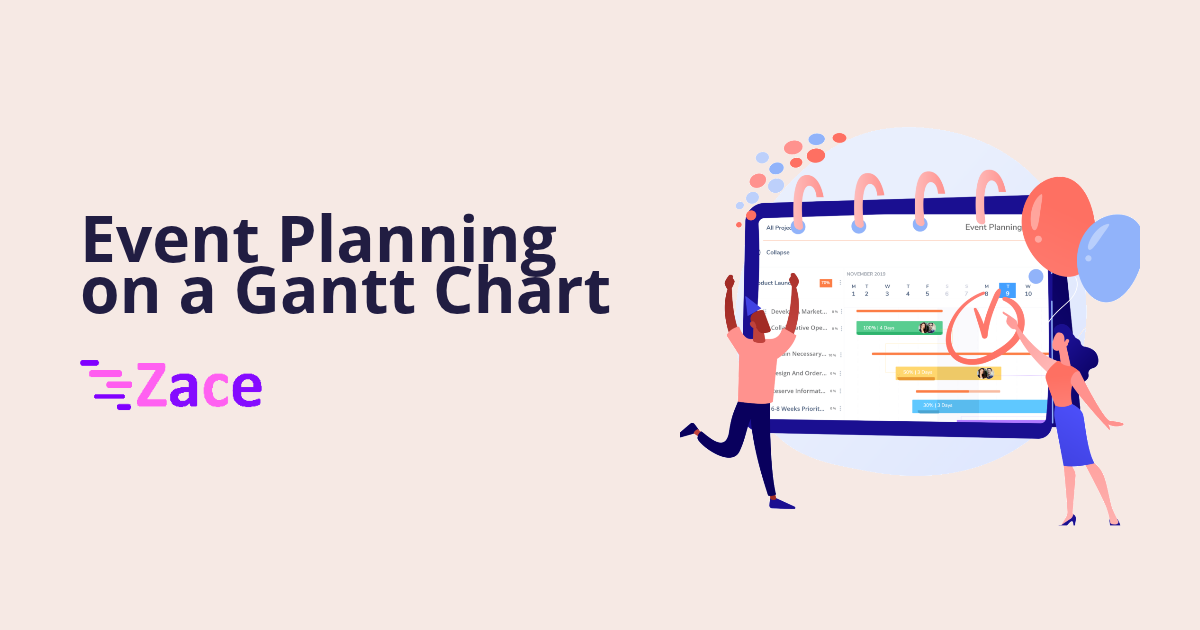
Most of those jobs live in email threads and a spreadsheet nobody trusts by week three. A Gantt chart puts them on one timeline, with a name on every task and the event day fixed at the end, so you see what is late early.
Why events slip
In a Convene and BizBash survey of 247 professional planners, 76 percent named last-minute changes as one of the most frustrating parts of the job. Lead times are not getting longer either. Executive PA's 2026 survey of 102 executive assistants in Australia found that 66 percent get less than three months' notice for events under 100 people, up from 60 percent in 2019.
Short notice plus late changes means you need a plan that shows the knock-on effect the moment something moves.
Step 1: Fix the event day and work backwards
Put the event day on the chart first, as a milestone. Then add the other dates that cannot move: the venue contract deadline, the final headcount for catering, the print deadline.
These milestones are the frame. If you are new to the terms, our guide to Gantt chart terms covers milestones, dependencies and the critical path in plain language.
Step 2: Break the work into phases
Group tasks into phases so the chart stays readable on a phone:
- Booking: venue, date hold, key suppliers, contracts
- Build: agenda, speakers, invitations, registrations, print
- Final week: headcount, seating, run sheet, load in
- After: supplier sign-off, returns, a short review
Keep each task small enough that one person can finish it in a few days. "Sort catering" is not a task. "Send final headcount to caterer" is.
Step 3: Put one owner on every task
A task with two owners is a task with no owner. Assign each one to a single person and set a priority, so the team knows the venue deposit beats the playlist.
On small teams the same three people handle suppliers, guests and the budget. With every task assigned by name, you can see who is overloaded in the final fortnight and move work early.
Step 4: Link the tasks that depend on each other
Most event delays come from a chain, not a single task. The seating plan waits on the final headcount. Badges wait on the seating plan. Print waits on the badge artwork.
Link those tasks with dependencies. When registrations close two days late, you move one task and the chain moves with it. You see at once whether the print deadline is at risk.
Step 5: Plan the day of as its own block
The event day needs its own short schedule, often by the hour: crew arrival, stage build, sound check, doors, sessions, breaks, close, load out. Add these as tasks on the event date, each with an owner, so the run of show sits on the same plan as the weeks before it.
A crew lead checking a phone at the loading dock should see the same plan as the person at the front desk.
Step 6: Review the next three weeks, every week
Once a week, look only at the next three weeks. Which tasks are due, which are blocked, and which supplier still has not confirmed? This is the same habit construction teams use with a 3-week lookahead, and it works just as well for events.
Update the chart the day a change lands. A stale plan is worse than none, because people trust it.
Start from a template
You do not need to build the chart from a blank page. Our event planning template lays out the pre-event, event day and post-event phases so you can rename tasks and add your own dates.
Zace gives you a scheduler, Gantt charts, milestones, task dependencies, and task assignment with priority on web, Android and iOS. The same tool that runs your field jobs can run your next launch or client event.
Frequently asked questions
How far ahead should I start an event Gantt chart?
As soon as the date is fixed. Put the event day and any supplier deadlines on the chart first, then fill in tasks backwards. Even with a few weeks' notice, a simple chart shows what has to happen this week.
What should be a milestone in event planning?
Dates that other work depends on and that cannot easily move: the event day, the venue contract deadline, the final catering headcount and the print deadline.
Can I plan the day of the event on the same chart?
Yes. Add the run of show as short tasks on the event date, each with an owner, such as crew arrival, sound check, doors and load out.
Fix the day, name an owner for every task, and late changes stop being surprises.
Download on the App Store or Google Play.